Six Steps From Source to Final Selection
Source RAW
The single untouched original file. Every direction branches from it without duplicating data on disk.
Clone Variant
Duplicate the approved edit state into a new variant while the master treatment stays intact.
Alternative Adjustment
Apply a different crop, tone curve, or color treatment to the clone as a competing direction.
Side-by-Side Review
Compare variants visually — no arbitrary scores, just each option judged against its purpose.
Intended Output
Match each variant to a concrete destination: print spread, client proof, or vertical feed.
Final Selection
Choose the direction that answers the production question and export only that variant.
Comparative Architecture: New Variant vs. Clone Variant
Capture One differentiates fundamentally between generating a pristine base state and cloning an active treatment. Understanding the structural distinction preserves non-destructive exploration while bypassing redundant storage overhead.
New Variant Workflow
Initiating a New Variant resets all adjustment layers, curve manipulations, and tonal corrections back to the default Capture One camera profile. The primary RAW sensor data remains unaltered on disk, creating a zero-treatment baseline for exploratory grading.
- Applies camera manufacturer default ICC color profile
- Completely clears existing crop, keystone, and heal masks
- Ideal for testing radically distinct color balance recipes
Clone Variant Workflow
A Clone Variant duplicates every active adjustment parameter, layer mask, and crop bounding box into a standalone virtual container. This facilitates micro-iterations where subtle exposure compensation or color grading nuances can be tested without risking prior decisions.
- Carries forward all active adjustment and retouching layers
- Permits branching toward alternate aspect ratio framing
- Zero extra hard-drive storage consumed per iteration
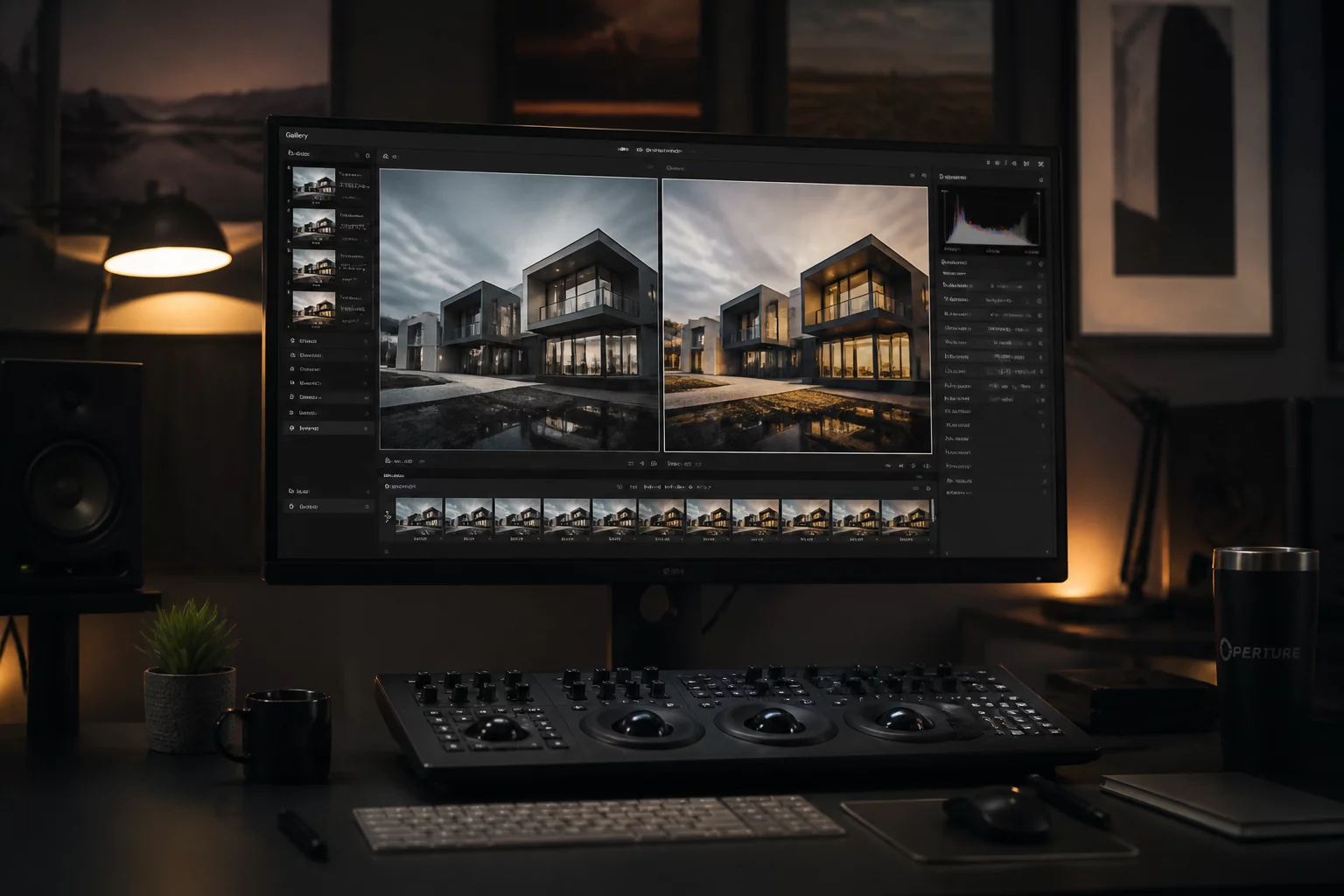
Intent A: Fine-Art Print & Linear Tonality
Designed for physical medium diffusion. Utilizes Negative Film Conversion baseline curves with suppressed micro-contrast in high-frequency regions to prevent ink clogging across matte fiber papers.
Intent B: Wide-Gamut Display & Editorial Pop
Engineered specifically for OLED and back-illuminated screen delivery. Employs Film Standard curves with selective color balance push in mid-shadow ranges while preserving highlight recovery boundaries.
Editorial Disclosure & Independent Publication Statement
Capture One is a registered trademark of Capture One A/S in Denmark and other jurisdictions. VariantIntent Notebook is an independent educational monograph and workflow notebook dedicated to the visual arts, comparison mechanics, edit intent, and non-destructive digital master selection.
VariantIntent Notebook does not distribute, license, sell, or service Capture One software packages, proprietary camera profiles, software serial keys, client proofing portals, or commercial cloud accounts. We maintain no affiliation, sponsorship, endorsement, or contractual partnership with Capture One A/S. For software acquisition, official technical troubleshooting, and system updates, consult official developer resources directly.