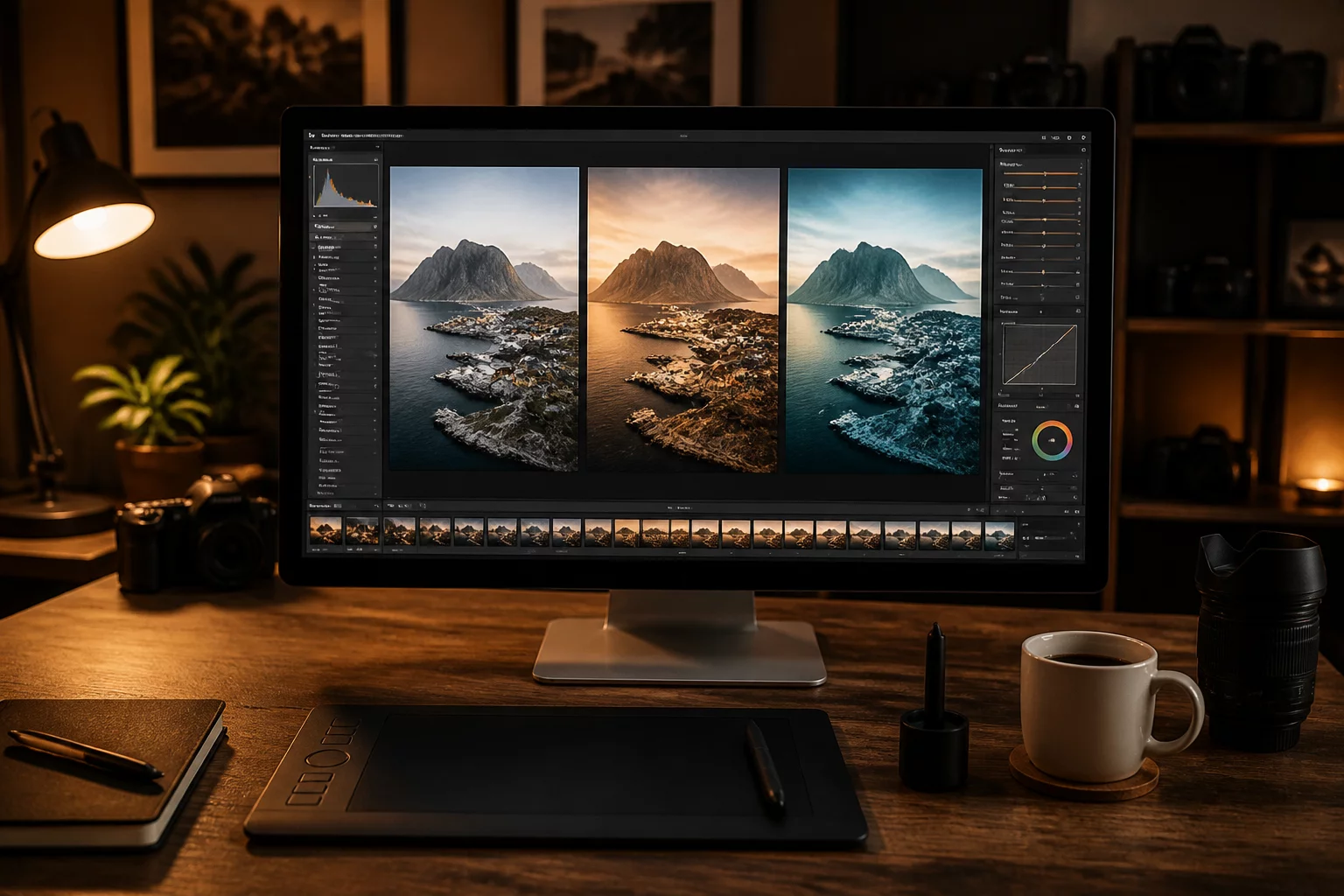
Deploying Capture One variants allows photographers to explore divergent artistic paths without consuming redundant storage space or creating disjointed file hierarchies. A single raw capture often houses multiple viable narratives. Instead of forcing one compromising global adjustment across competing deliverables, generating alternate image versions ensures that every target medium receives its own bespoke tone curve, color grade, and micro-contrast structure.
The core advantage stems from deliberate creative isolation. Rather than toggling back and forth across conflicting slider settings, you compare edits side by side inside the dual-viewer panel. In that synchronized view, tone inconsistencies between a contrast-heavy social campaign and a subtle archival print output reveal themselves immediately before final rendering occurs.
Defining the Three Output Intentions
A systematic workflow defines the explicit target destination of each branch before touching any adjustment sliders. In production studios, three distinct visual directions consistently answer commercial and editorial demands:
- Variant 1: Natural Editorial Balance — Preserving linear skin hues, unclipped shadow values, and calibrated neutral highlights suited for magazine layout grids.
- Variant 2: High-Clarity Digital Output — Tailored with punchier local contrast, gentle lift in deep shadows, and luminous warm tones for mobile screen consumption.
- Variant 3: Architectural Monochrome — Custom black-and-white color channel translation emphasizing tactile structure, dramatic gradients, and crisp edge delineation.
Isolating these directions inside structured variants prevents cognitive fatigue during critical editing sessions. Each child variant remains bound to the initial raw metadata, allowing instant global profile revisions while safeguarding your creative divergence.