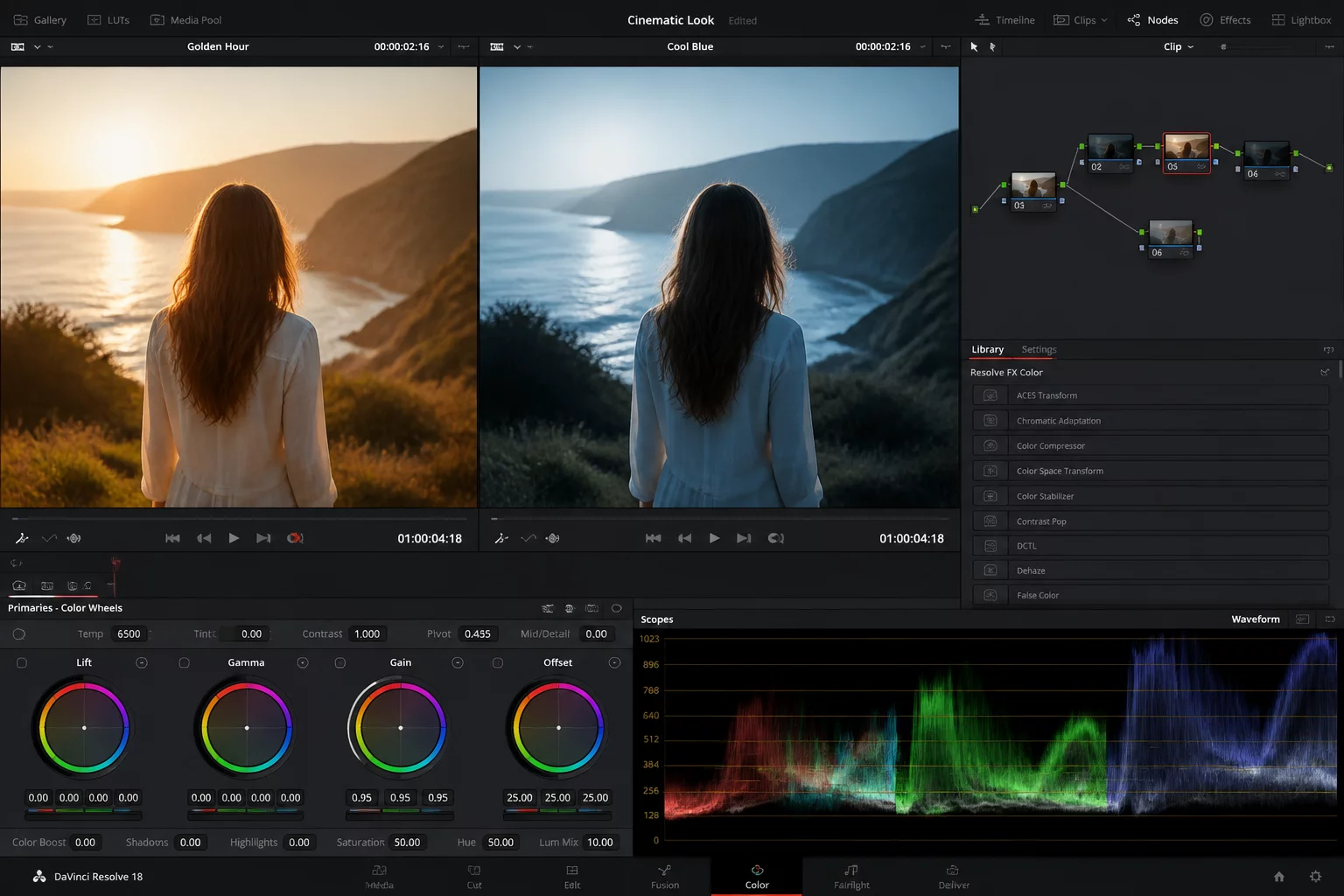
Different presentation mediums impose fundamentally conflicting physical requirements on a single image file. A photograph calibrated to look punchy and saturated on an uncalibrated smartphone panel frequently collapses into murky shadows and blocked midtones when rendered onto cotton rag paper.
Rather than compromising intermediate adjustments or generating duplicate RAW files that multiply catalog weight, Capture One lets operators split processing instructions cleanly through non-destructive clone variants. Variant 1 targets an sRGB profile tailored for transmissive liquid-crystal and OLED screens, while Variant 2 hosts targeted soft-proofing compensations for a specific paper ICC profile.
Separating Channel Responses Between Screen and Print
Transmissive monitors generate luminance with active backlights, which naturally enhances micro-contrast in deep shadows. Paper reflects ambient room illumination, compressing the total dynamic range into a narrower window. Maintaining emotional consistency across both mediums requires adjustments to divergent points on the color wheel and tonal response curve:
- Variant 1 prioritizes highlight protection and subtle saturation damping in bright yellows to prevent digital clipping on mobile screens.
- Variant 2 introduces an open black point lift and mild midtone contrast boost to overcome the ink-density ceiling of physical pigment printing.
- Both variants share identical base geometry and perspective correction metadata while maintaining fully independent Color Balance wheels.
By keeping both renditions inside the same session catalog, you can inspect their side-by-side performance in the viewer using split proofing recipes. This arrangement protects against inadvertent color shifts during final export cycles.