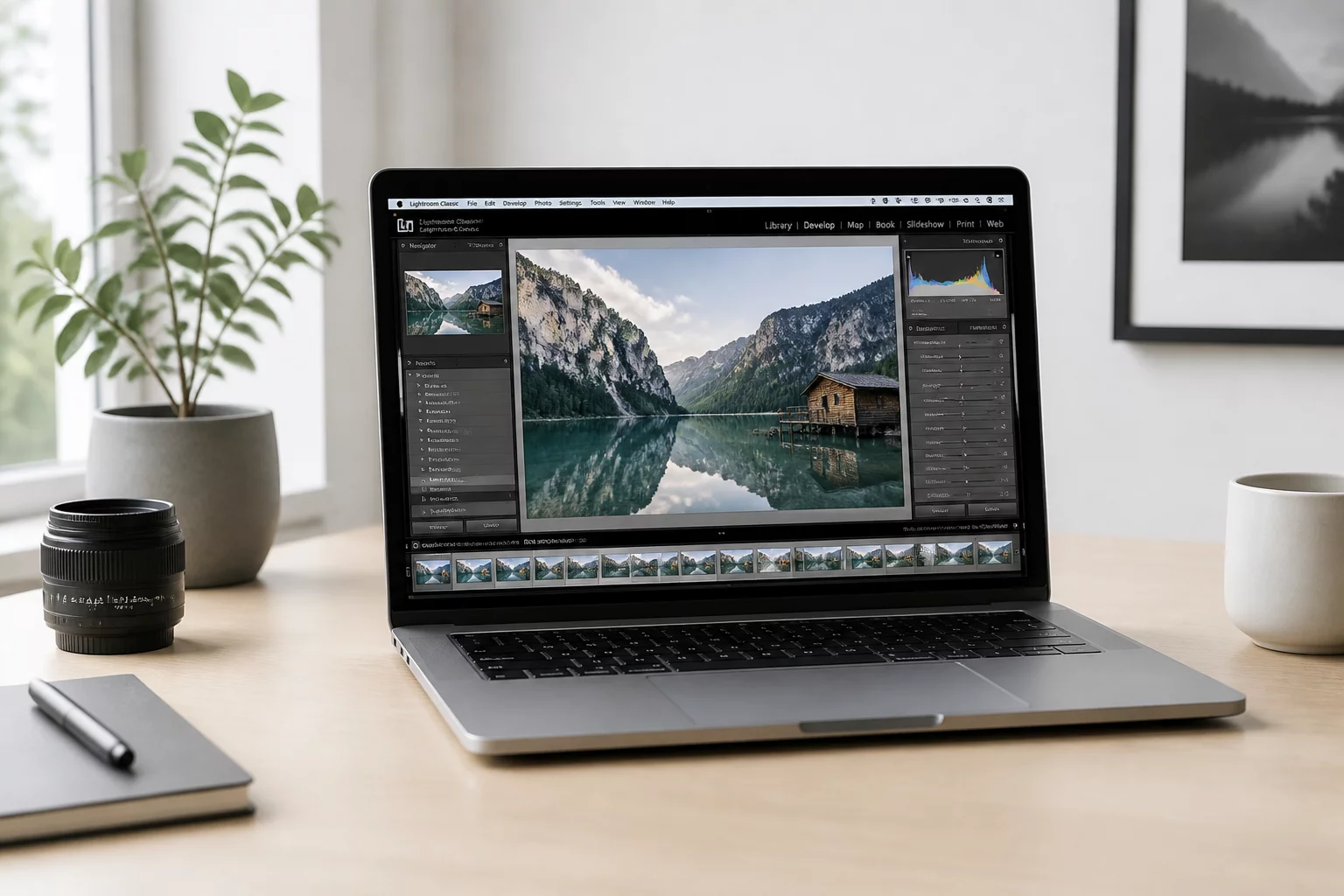
In Capture One, pressing F7 creates a New Variant that returns the raw frame to its default import state, whereas pressing F8 yields a Clone Variant that duplicates every slider value, curve, crop boundary, and localized layer pin. Digital retouchers often treat a fresh variant as a clean slate, yet rebuilding keystone corrections, exposure stabilization, and meticulous spot repairs from scratch consumes substantial production hours.
A clone variant becomes indispensable whenever the foundation of the shot has reached technical accuracy. When perspective convergence, chromatic aberration suppression, sensor dust spotting, and calibrated skin balancing are already locked in place, discarding those layers forces you to repeat tedious manual operations. Instead, duplicating the variant preserves that groundwork and lets you isolate only the creative shifts.
Concrete Indicators for Using Clone Variants
Rather than deciding on impulse, experienced colorists evaluate whether the core photographic problem has already been solved in the primary version. If the objective is to explore an alternative mood or a divergent distribution channel, cloning provides immediate parity across fundamental technical parameters:
- Keystone and lens geometry adjustments are preserved without needing realignment checks.
- Complex brush masks and gradient selections remain active, allowing localized color grading adjustments without redrawing boundaries.
- Heal and clone layers stay precisely aligned with surface blemishes, avoiding repetitive sensor dust cleanup across versions.
Once you branch the edit through cloning, adjust only the intended variables such as the three-way color balance, highlight roll-off, or overall black point. This systematic isolation allows you to compare versions side by side with the certainty that any visual difference stems entirely from intentional aesthetic changes rather than unintended discrepancies in exposure or alignment.