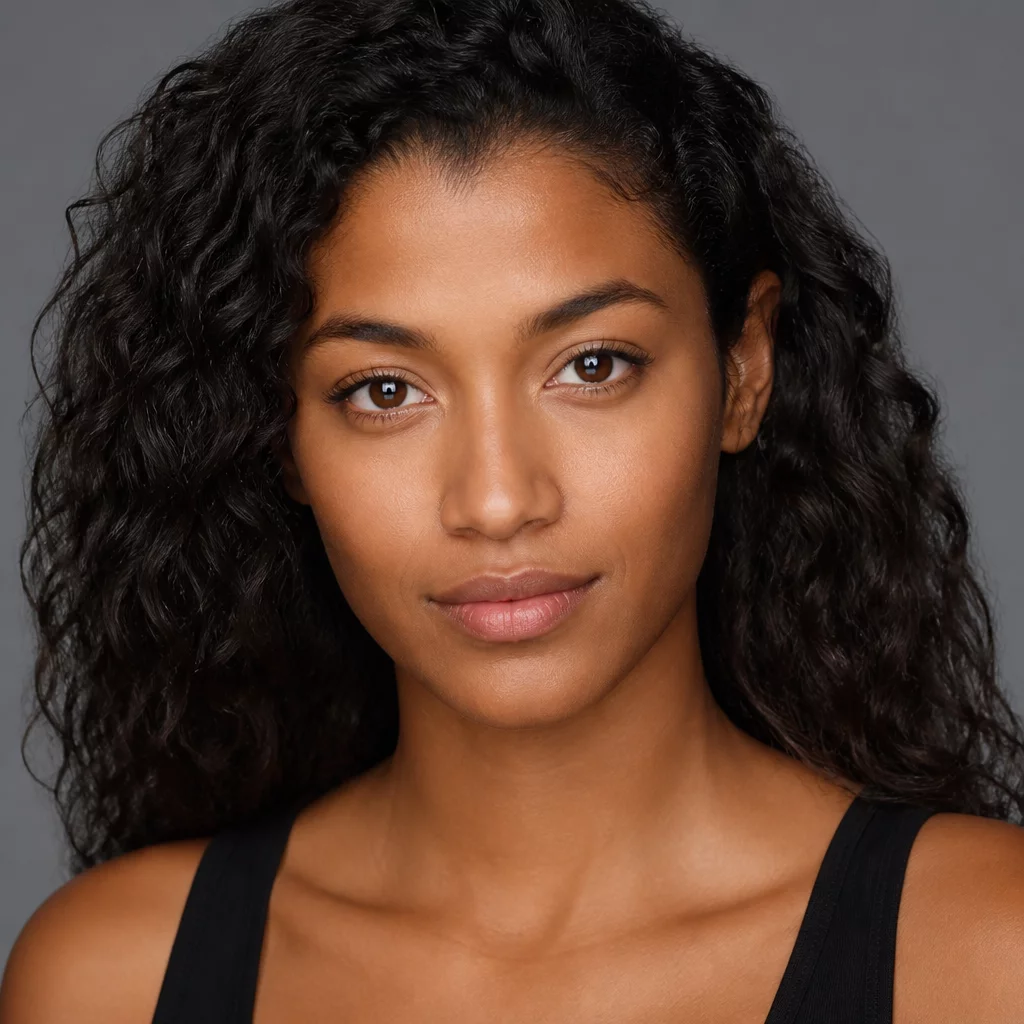
Overcoming Variable Studio Skin Tones and Strobe Spikes
Commercial headshots and studio portraits often present acute challenges with skin balance, especially when mixing strobe modifiers with varying ambient bounce. Skin tones frequently drift toward unnatural magenta or murky yellow zones under high-output flashtubes. The Studio Portrait Foundation Preset solves this by normalizing intermediate hues through precision color balance offsets and a custom parametric luminance curve, giving you consistent tonal response before retouching begins.
Because Capture One variants excel at side-by-side comparison, this preset works as an uncompromised anchor variant. You apply this baseline to Variant 1, duplicate it to create Variant 2 for high-key commercial polish, and build Variant 3 for moody dramatic contrast. By keeping the underlying foundation locked to realistic skin values, your client presentations remain credible and color-managed across different displays and proofing media.
Preset Calibration Profile
| Base Characteristic | Film Standard / Linear Response Supported |
|---|---|
| Dynamic Range Handling | Targeted Highlight Protection (-14) & Soft Shadow Recovery (+8) |
| Skin Tone Matrix | Uniformity Smoothing with Hue Pinning in Color Editor |
| Included Assets | 1 Master Style, 3 Variant Curve Modifiers, Quick Start PDF |
Recommended Studio Variant Workflow
Apply this foundation preset systematically to ensure complete control over your tethered studio sessions:
- Ingest your tethered session and apply the Studio Portrait Foundation Preset as the primary capture style to establish true skin rendition immediately.
- Create a Clone Variant to experiment with crop proportions or localized dodge and burn layers without altering your calibrated reference.
- Compare both variants side by side in split view to confirm that beauty lighting retains natural depth without clipping specular skin highlights.