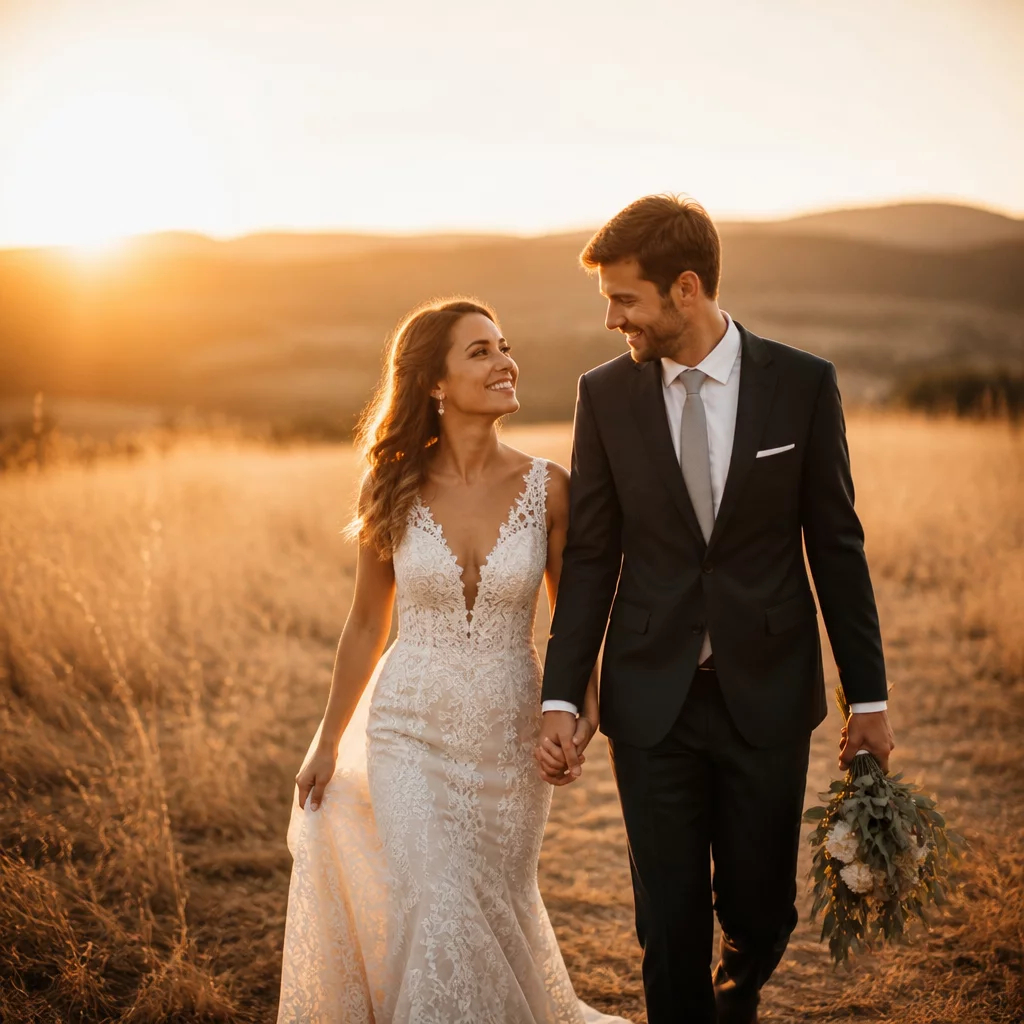
Designed for Immediate Emotional Resonance
First impressions matter profoundly during client reviews. When viewing neutral or uncalibrated camera raw renders, clients often perceive scenes as clinically cold or uninviting. The Warm Client Presentation Preset applies an intentional, studio-tested warm tonal curve focused squarely on the midtone spectrum. By warming skin tones and ambient sunlight while preserving deep black anchors and clean highlight peaks, client proofing sessions consistently generate more enthusiastic and decisive feedback.
Because this preset operates non-destructively through Capture One curves and color balance wheels rather than destructive channel alterations, it functions flawlessly as a comparison variant. You can clone an existing master edit, apply the Warm Client Presentation preset, and evaluate client reaction directly alongside neutral print or editorial contrast versions without duplicating underlying RAW files on disk.
Preset Attributes & Profile Mapping
| Supported Platforms | Capture One Pro, Studio, and Enterprise (versions 20 through 23+) |
|---|---|
| Color Engine Response | Linear Scientific / Film Standard Curve compatible |
| Layer Implementation | Applies to Background or as an adjustable 0–100% Opacity Layer |
| Included Components | Master Preset (.costyle), 3 Opacity Variations, Quick-Start PDF |
Recommended Variant Review Workflow
To extract the greatest efficiency during proofing and client selection meetings, integrate this preset into your session variant workflow using these straightforward steps:
- Create a new Clone Variant (F8 / Image > New Clone Variant) from your color-corrected primary capture.
- Apply the Warm Client Presentation style to the cloned variant, adjusting layer opacity between 70% and 90% depending on ambient shoot conditions.
- Switch to multi-view comparison mode (Shift + select both variants) so the client can visually compare the neutral archival master with the warm presentation look.