Solving Dynamic Range Loss in Online Deliverables
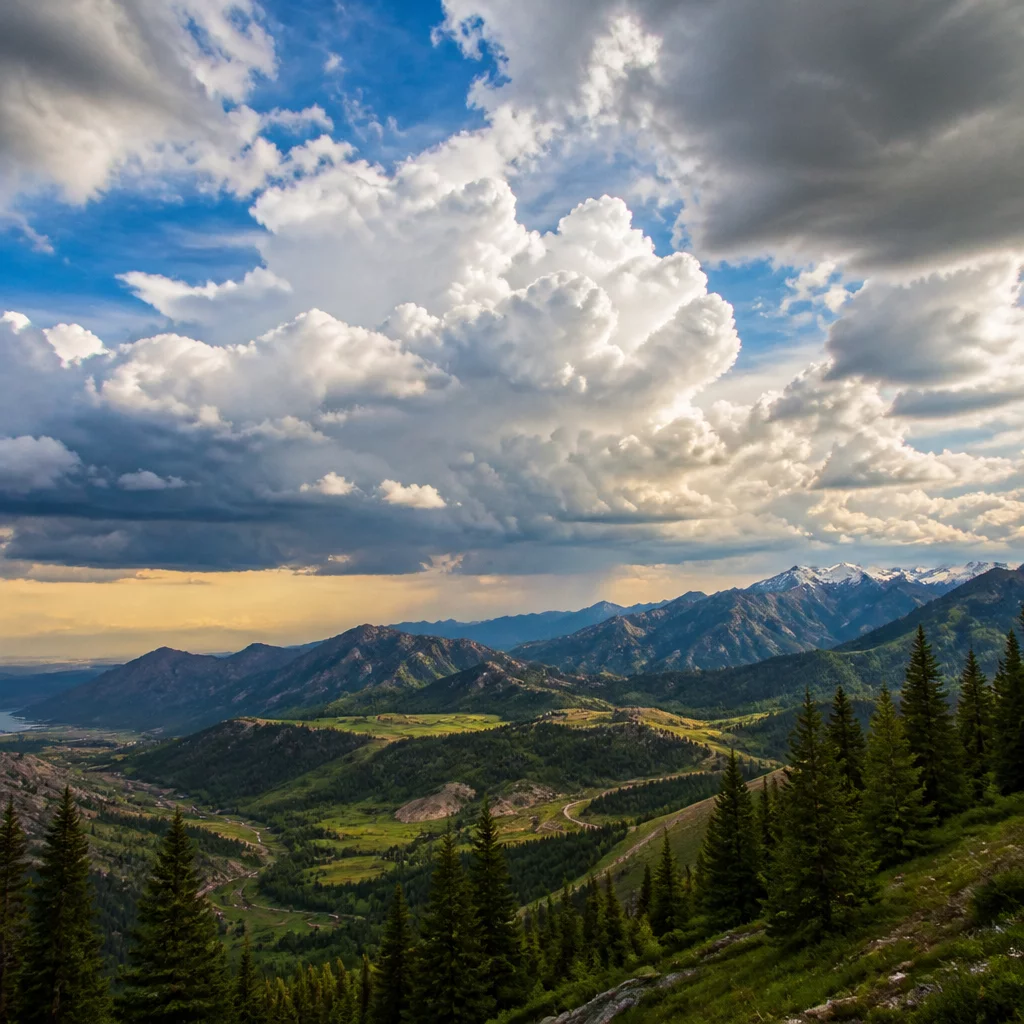
Web browsers present harsh display boundaries compared to professional wide-gamut monitors. When converting RAW files into compressed sRGB web deliverables, subtle details across clouds, backlit hair, reflective glass, and white garments frequently clip into harsh monochrome patches. Standard recovery tools often drag the entire upper-mid tonal range down, generating dull, dirty grays where luminous daylight belongs.
The Web Highlight Recovery Preset isolates extreme upper tonal thresholds through custom parametric curve mapping and gentle high dynamic range offsets. Applied on a dedicated Capture One clone variant, the preset lets retouchers preview exactly how bright elements hold together across mobile screens and desktop monitors without touching base master exposure profiles.
Core Technical Specifications
| Target Gamut | Optimized for sRGB IEC61966-2.1 and Display P3 web pipelines |
|---|---|
| Adjustment Engine | Capture One High Dynamic Range Highlights & Luma Curve |
| Layer Support | Applies to Background or dedicated adjustment layers at adjustable opacity |
| File Support | Supports major RAW proprietary files, 16-bit DNG, and 16-bit TIFF |
Recommended Multi-Variant Integration
Following a deliberate variant strategy keeps editing non-destructive and transparent throughout client revisions:
- Duplicate your approved master edit into a dedicated Clone Variant labeled Web Output.
- Apply the Web Highlight Recovery Preset to instantly smooth blown highlights and compress upper tonal peaks.
- Run split-screen comparison against the original RAW to confirm texture retention before exporting via web recipe.