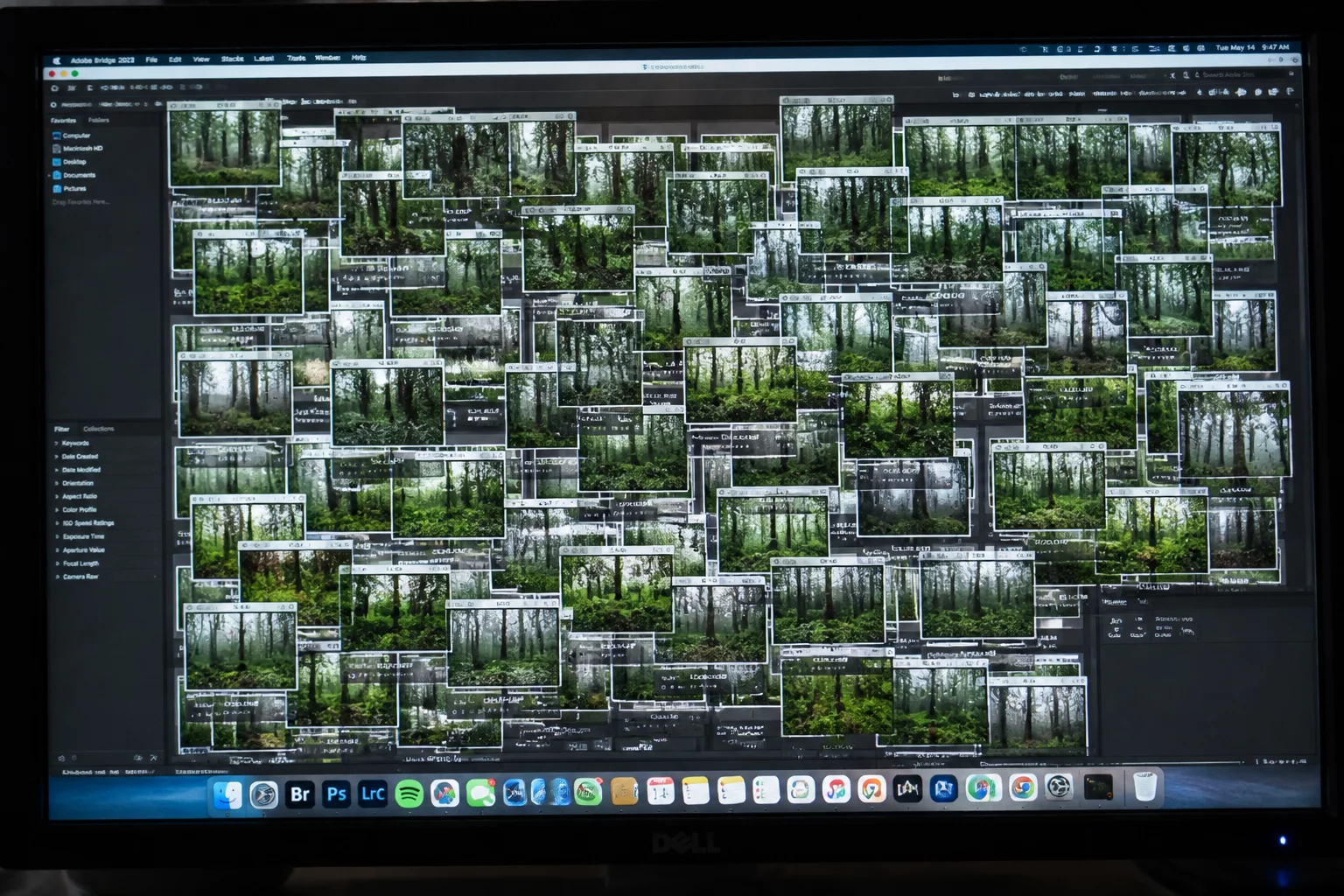
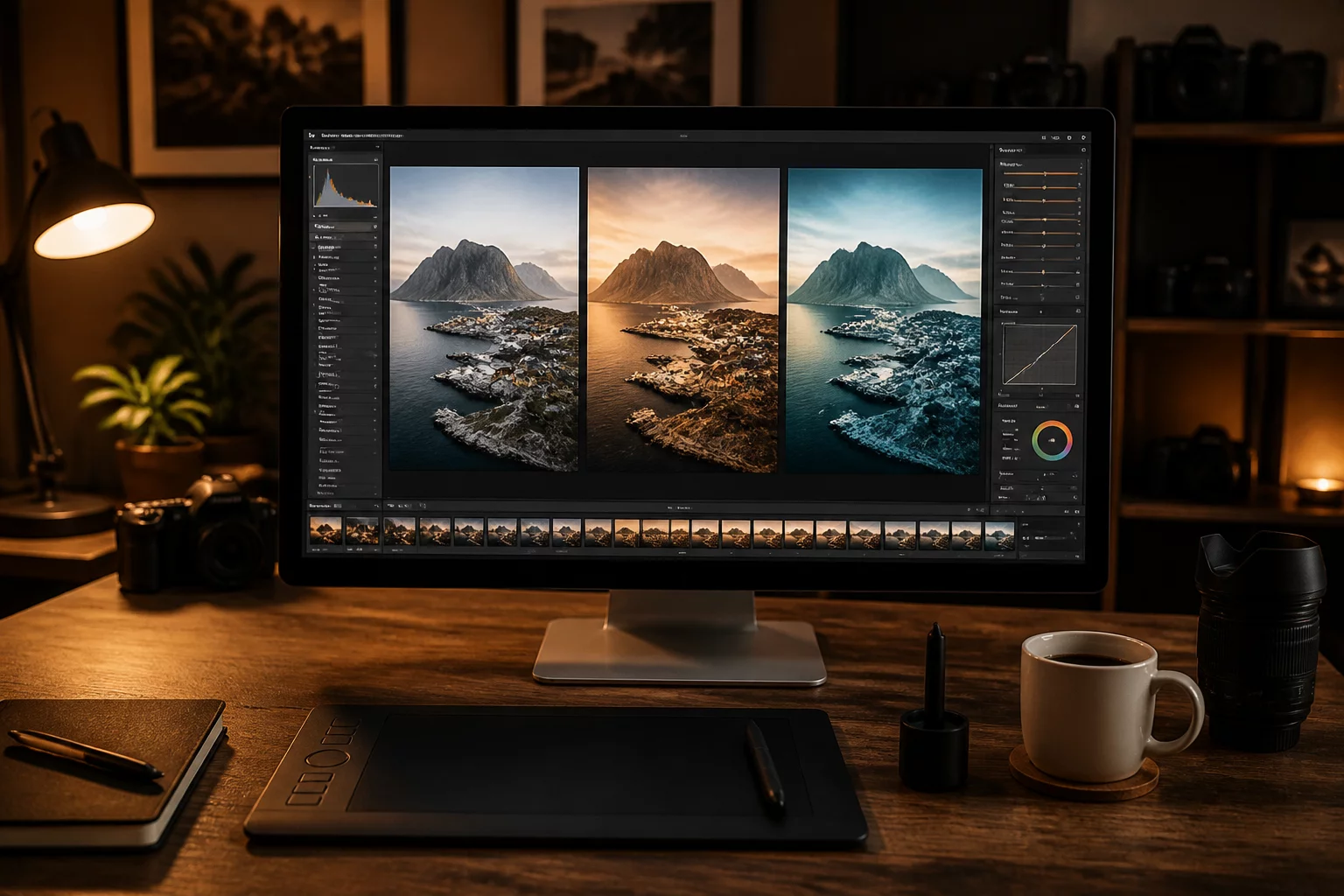
One Source Image, Three Different Intentions
Use Capture One variants to compare edits and manage alternate image versions cleanly from a single raw master.
Explore cases about alternate crops, color directions, contrast decisions, client options, and output-specific edits without losing the source-image context.
Structure purposeful revisions across Capture One variants, compare edits side by side under calibrated lighting, and evaluate alternate image versions with documented intent rather than cluttered guesswork.
Capture One variants give photographers full non-destructive power to compare edits, explore alternate crops, and develop tailored color directions without duplicating master RAW files.
Maintain side-by-side versions of a single capture to audit exposure balance, micro-contrast, and shadow lift without modifying the base interpretation.
Test vertical editorial crops, widescreen web headers, and tight portrait close-ups within a single master file to preserve composition flexibility.
Draft warm golden-hour treatments alongside neutral skin foundations or muted commercial palettes to evaluate intended visual tone before delivery.
Target specific mediums with dedicated sharpening recipes, highlight rolloff adjustments, and proofs tailored for matte paper or mobile screens.
Identify when variations differ by negligible slider increments, keeping only clear functional deviations to prevent catalog bloat and client confusion.
Retire exploratory attempts once a decisive creative route is approved, establishing a streamlined session library ready for archiving.
The winning variant is never chosen by accident. Documenting specific exposure decisions, chromatic priorities, and target deliverables turns subjective editing into a reproducible editorial system.
There's only one original RAW file.
Variant A — neutral editorial treatment · Variant B — warmer client presentation · Variant C — tighter crop for vertical use
The website doesn't rate them "89/100." It shows that each variant answers a different production question.
Captured with maximum dynamic range preservation. Starting from this single digital negative, Capture One stores independent transformation instructions for each deliberate outcome, keeping catalog performance lightning fast.
How does the image sit alongside typography in print without competing with surrounding editorial graphics?
Configured with balanced 5400K color balance and linear gradation. Highlights remain unclipped for standard CMYK offset presses with true tonal neutrality.
How do we make first-look proofs feel welcoming and instantly emotionally engaging on uncalibrated mobile devices?
Shifted to 5850K with a gentle midtone curve bump and +12 shadow lift. Skin tones obtain a healthy, luminous glow tailored for client review approvals.
Can this horizontal composition deliver an impactful 4:5 vertical cover crop without compromising compositional balance?
Re-centered vertical framing with targeted eye clarity and a custom mask vignette. Optimized for mobile storytelling and high-impact social layouts.
A production retrospective on resolving client revisions, multi-ratio cropping, and output parity across 450 source captures without duplicated files.
The studio produced 450 product deliverables requiring web banners, catalog cutouts, and editorial crops. Each revision demanded exported TIFF duplicates.
Rebuilt the session pipeline around single-RAW variant trees in Capture One, eliminating export duplication before client sign-off.
Complete delivery turnaround dropped dramatically while visual fidelity remained verifiable throughout all intended marketing ratios.
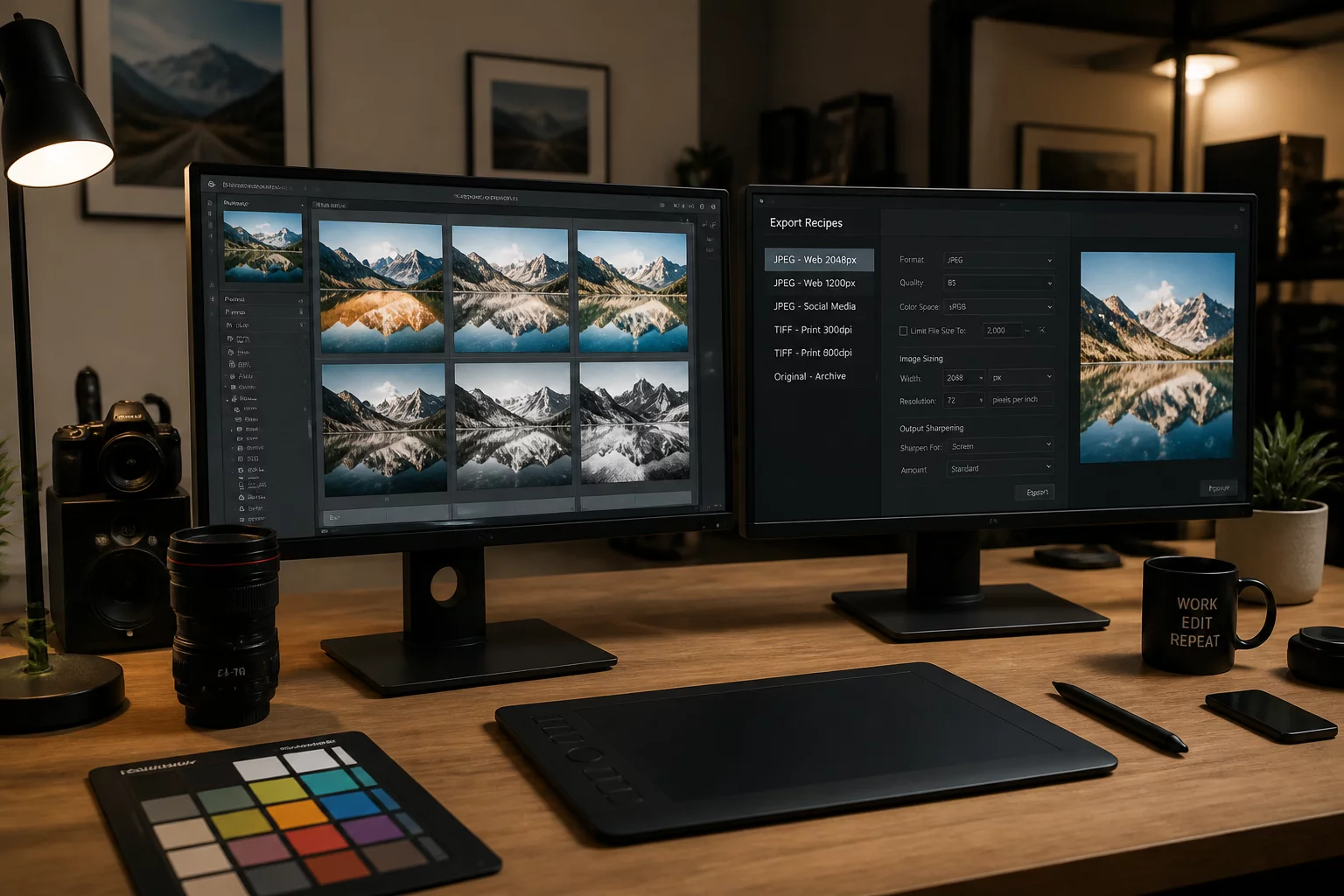
When multiple creative directors require different cropping frames and color temperatures for web and social distribution, keeping changes unified in real time is critical. Using non-destructive variants preserves exposure anchors while letting side-by-side versions develop independently without touching raw masters.
Dedicated to advancing non-destructive photographic editing through empirical variant comparison, precise file integrity, and systematic workflow evaluation.
Refining independent catalog pipelines and digital asset strategies for production studios worldwide.
Working alongside freelance photographers, retouchers, and commercial editorial teams globally.
Systematically diagnosed image batches and alternate variant sequences with zero raw data loss.
Average measured increase in client proof approval turnaround time across documented audits.
Select your session duration, key technical focus, and preferred time window to coordinate directly with our imaging specialist.
Confirm your live parameters before connecting directly with our workflow lead on WhatsApp.
1-on-1 screen sharing session with tailored advice for non-destructive Capture One and catalog optimization.
Continuing to export duplicate RAW or TIFF files for client revisions causes compounding storage overhead, desynchronized metadata, and hours of routine search friction each production cycle.
Spent manually locating previous color revisions across scattered folders instead of toggling non-destructive virtual variants inside one catalog.
Consumed annually by duplicate 50MB RAW and 16-bit intermediate exports created solely to preserve alternate crops and proofing treatments.
Caused by detached sidecars and duplicate file iterations where client star ratings and crop selections fall out of alignment across revisions.
When adjustments remain tied to isolated file exports rather than procedural variant pointers, revision trees branch unpredictably. Retouching touches must be copied by hand, and audit trails vanish.
Learn how uncontrolled revision creation introduces catalog latency and how to curate purpose-driven branches without wasting storage or evaluation time.
Clear boundaries define successful creative partnerships. Review precisely what is included in our variant engineering consulting and what remains outside project engagement before initiating work.
All consulting packages and variant framework evaluations explicitly cover these non-destructive consulting procedures and technical deliverables:
To maintain precision and prevent misunderstandings, the following tasks are strictly beyond our consulting remit and require separate third-party specialists:
Discuss your exact production setup and confirm technical boundaries before booking.
Learn systematic evaluation techniques to test distinct aesthetic treatments and compare edits without duplicating source files.
Use Capture One variants to compare edits and manage alternate image versions cleanly from a single raw master.
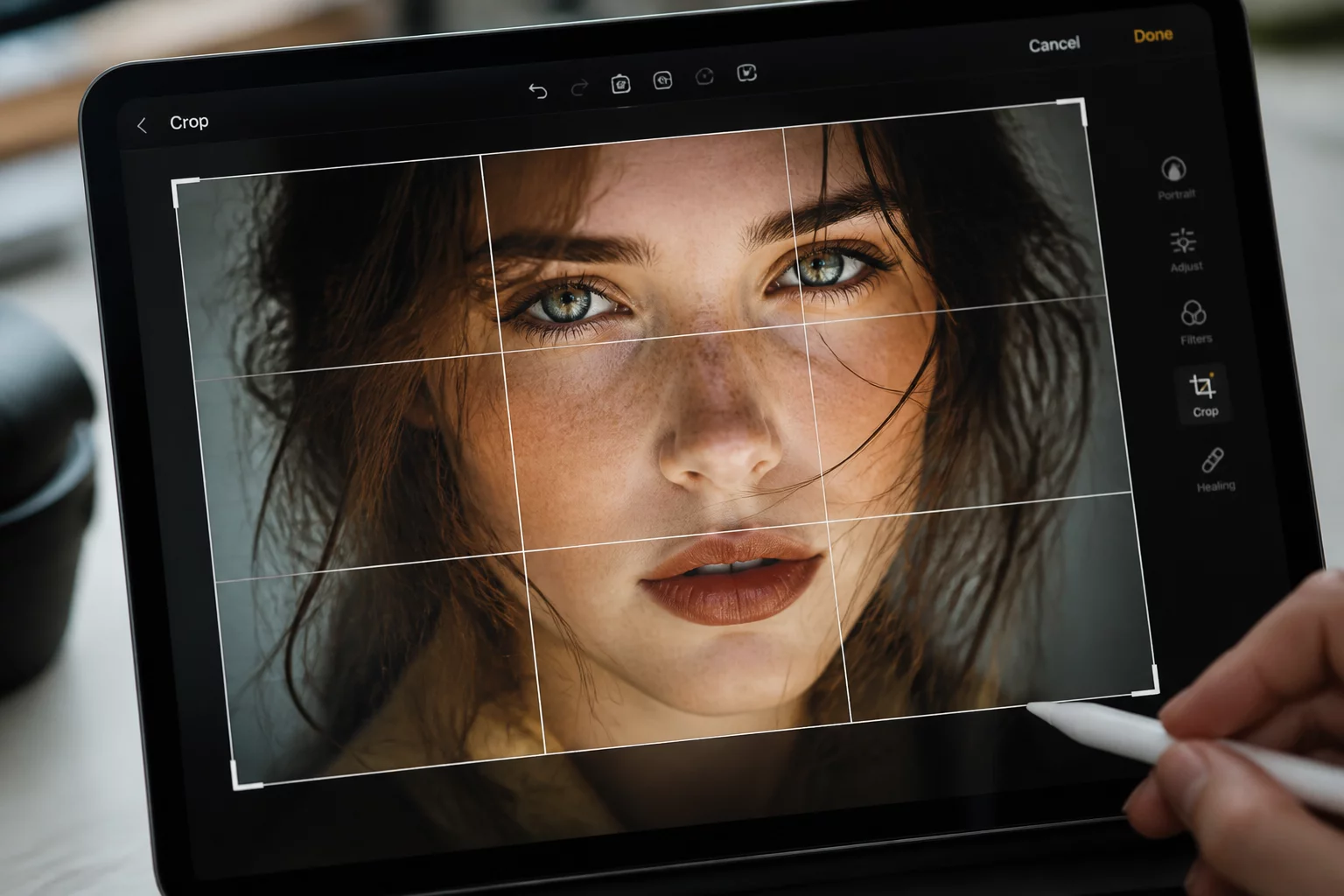
Evaluate how aspect ratios alter spatial pacing while maintaining central emotional context across image variants.
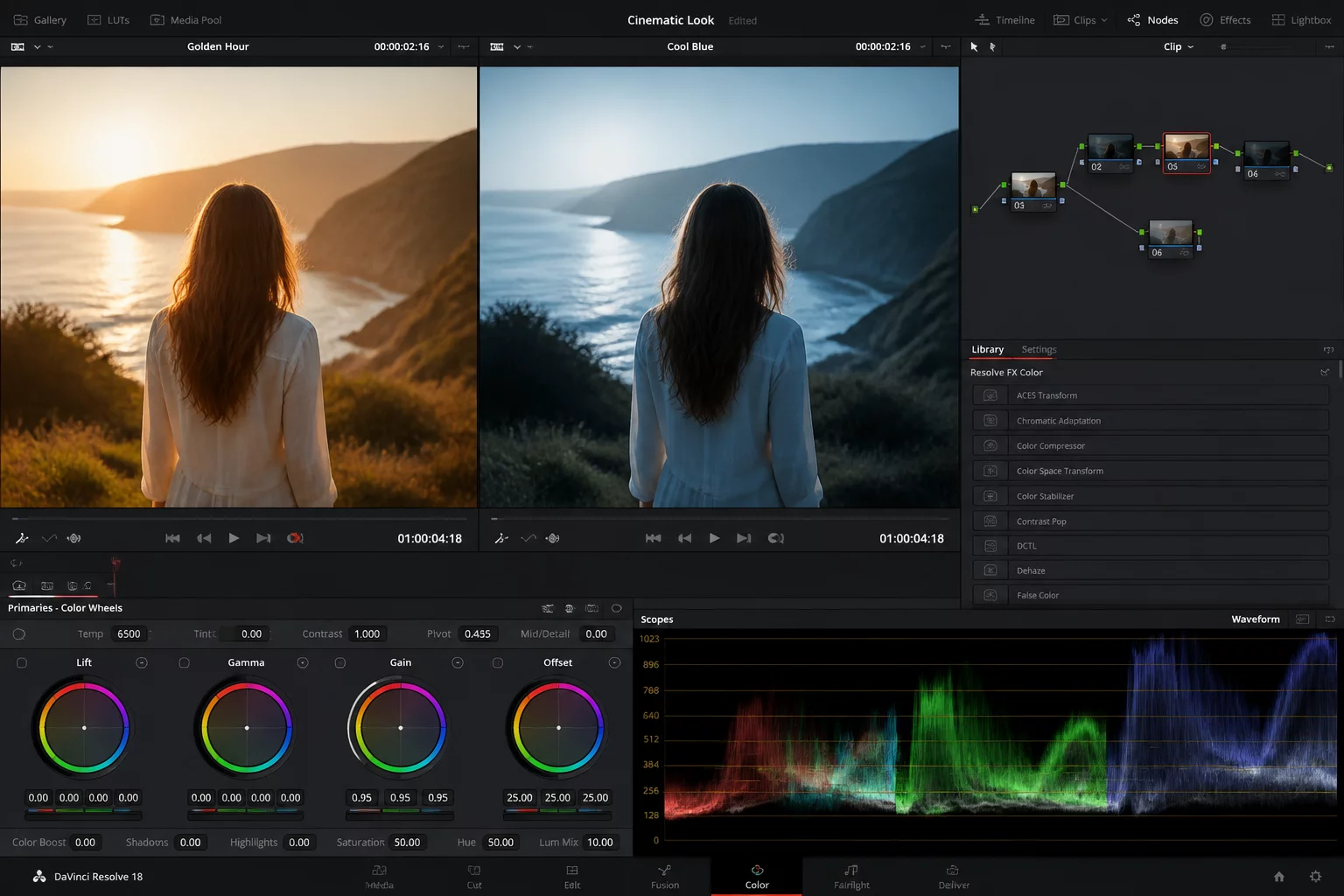
Tune distinct color grade variants optimized for high-brightness screens versus matte archival fine-art prints.