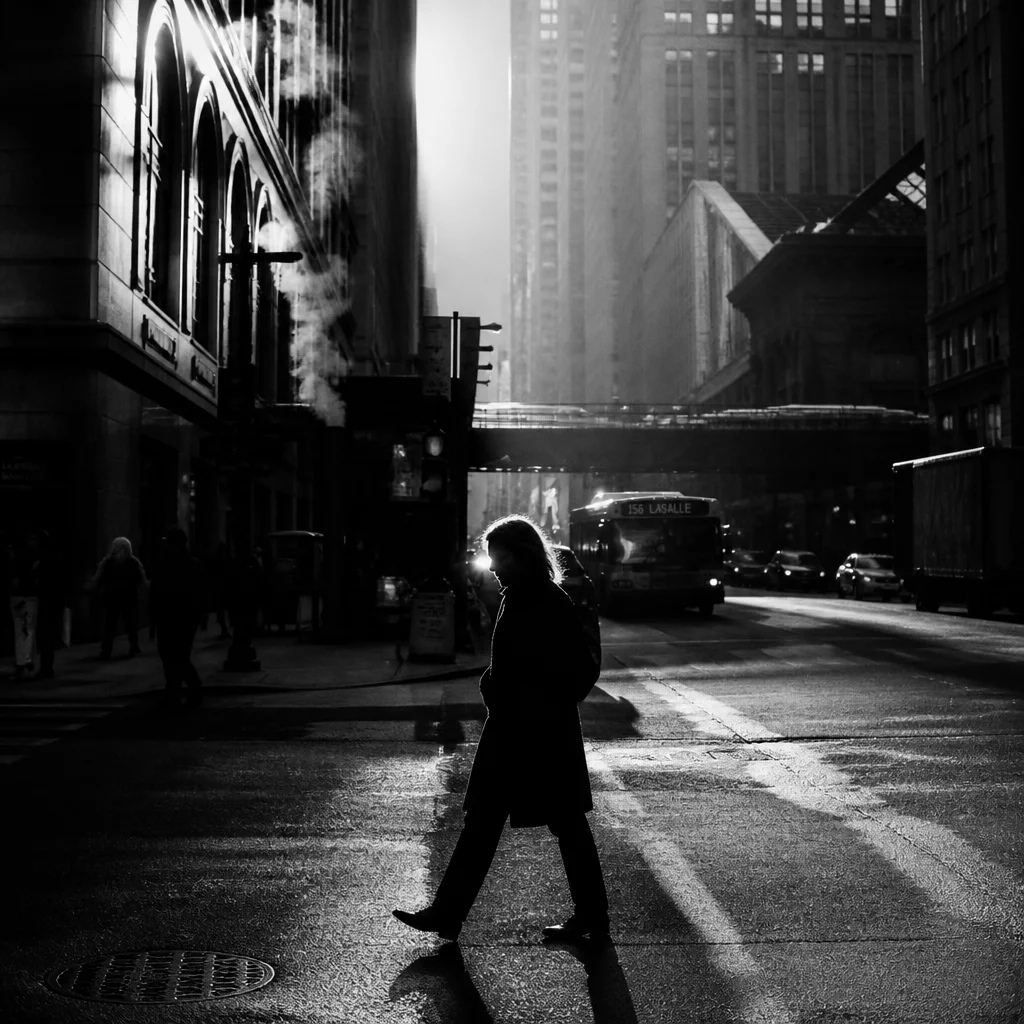
Tonal Separation Designed for Variant Comparison
A dedicated black and white variant inside Capture One lets you evaluate composition, lighting balance, and edge definition without the visual distraction of chromatic saturation. This preset applies a custom Black & White conversion matrix paired with calibrated Luma curve sculpting. Rather than flattening reds and greens into uniform gray tones, it separates skin highlights and outdoor foliage with surgical accuracy.
Working across alternate image versions requires predictable baseline response. When applied to a new clone variant, this preset operates strictly on luminance calculations, leaving your primary color balance, white balance calibrations, and localized repair masks accessible for simultaneous side-by-side assessment.
Technical Specifications & Compatibility
| Compatibility | Capture One Pro 21, 22, 23, and Studio |
|---|---|
| Curve Architecture | Dual-point Luma Curve with highlight shoulder rolloff |
| Channel Weights | Custom 8-band spectral sensitivity matrix |
| Asset Impact | Zero raw degradation; independent variant metadata |
Recommended Multi-Variant Review Workflow
Integrating monochrome analysis into high-volume client deliveries elevates structural clarity before client proofing begins:
- Generate a new clone variant from your primary base capture using standard keyboard shortcuts.
- Apply the Black and White Variant Preset to strip chromatic noise and reveal true lighting contrast ratios.
- Inspect the two versions side by side in split view to confirm subject isolation before final color grading or print export.