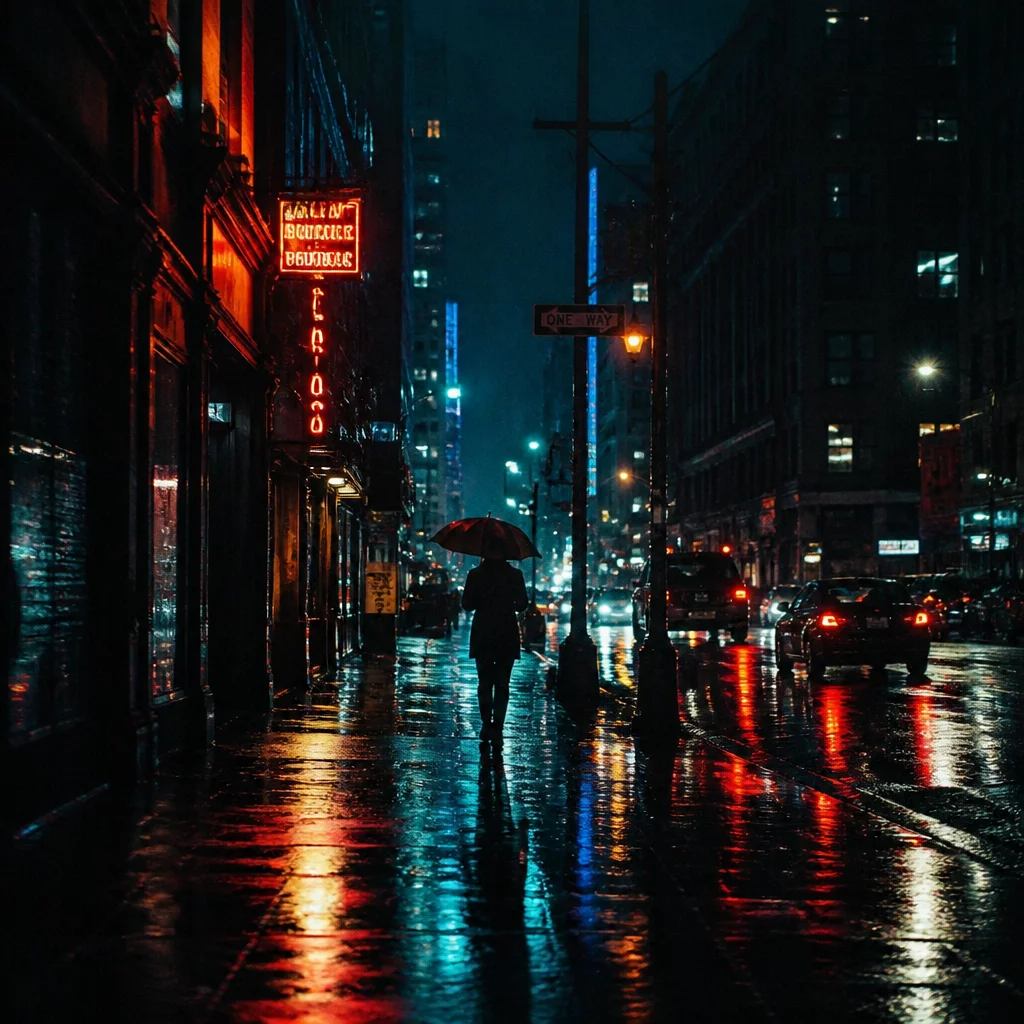
Engineered for Atmospheric Depth and Contrast Balance
Cinematic looks often suffer from aggressive tone clipping and oversaturated muddy shadows when applied universally. This preset avoids destructive crushing by anchoring tonal transitions within the Parametric Curve and Color Balance wheels. Shadow zones receive a measured shift toward deep indigo and cyan, while highlights are gently warmed toward champagne gold to establish complementary separation.
The midtone spectrum maintains dedicated separation from the primary color balance wheel, allowing skin tones and ambient environmental lighting to breathe. When working with Capture One variants, applying this configuration to a dedicated clone variant allows photographers to evaluate moody cinematic storytelling against neutral commercial grades without recalculating base exposures or white balance coordinates.
Technical Specifications & Parameters
| Target Software | Capture One Pro 21, 22, 23, and current releases |
|---|---|
| Adjustment Type | 3-Way Color Balance, RGB Curve, Advanced Color Editor |
| Layer Support | Full opacity scalability (0-100%) on Filled Adjustments |
| File Types | Raw files from Sony, Canon, Nikon, Fujifilm, Leica, DNG |
Recommended Variant Comparison Workflow
To evaluate the cinematic mood against other stylistic interpretations, integrate this preset into a standardized multi-variant workflow:
- Create a Clone Variant from your neutral base RAW capture to duplicate base exposure and crop parameters.
- Apply the Cinematic Color Grade preset onto a new filled adjustment layer and set layer opacity to 80% for initial assessment.
- Use the Split View comparison tool to evaluate highlight texture retention and shadow detail against your clean editorial variant.